
Passport Size Photo Creator
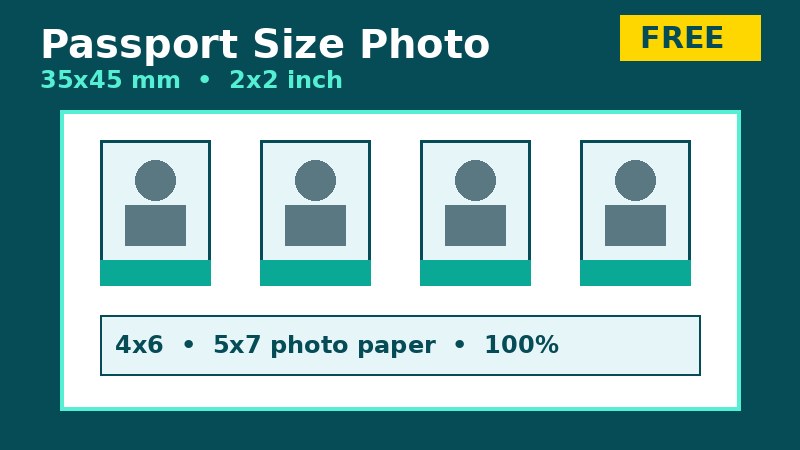
Paper size: Passport photos are not printed on A4. They are printed on small photo paper — 4 × 6 inch (10 × 15 cm), 5 × 7 inch (13 × 18 cm) or 3.5 × 5 inch (9 × 13 cm). Choose your paper below. Margin 5 mm, gap 3 mm between photos. Photos are placed at the exact size you choose — never shrunk to fit more on a page. Print at 100% / Actual Size, on the same paper size, margins None — never “Fit to Page”, or the size will be wrong.
How to use it
1. Upload a clear, front-facing photo with a plain light background. 2. Choose the exact size your passport or visa form asks for. 3. Use Rotate if the photo came out sideways, and Fit inside if any part of your head is being cut off. 4. Preview the photo-paper sheet, then Download PDF or Print at 100% on the same paper. 5. Cut along the dashed guides.
Common sizes at a glance
35 × 45 mm is the most common passport size in Pakistan, the UK and Schengen countries. 51 × 51 mm (2 × 2 inch) is the USA size. China visa commonly asks for 33 × 48 mm. Other forms ask for 30 × 40 mm, 25 × 35 mm or 35 × 35 mm. If your form states a different size, choose the closest listed size only if the form allows it — otherwise use the exact size the form states.
Frequently asked questions
Will the printed photo be the exact size? Yes, if you print the PDF at 100% / Actual Size on the same photo paper (4 × 6, 5 × 7 or 3.5 × 5 inch) with margins set to None. “Fit to Page” will shrink it and the size will be wrong.
Is my photo uploaded anywhere? No. Everything happens in your browser. Closing this page removes the photo from this page.
Will this photo definitely be accepted? No tool can guarantee that. Acceptance also depends on background, lighting, face position and other official rules. Check the official photo guide for your application.